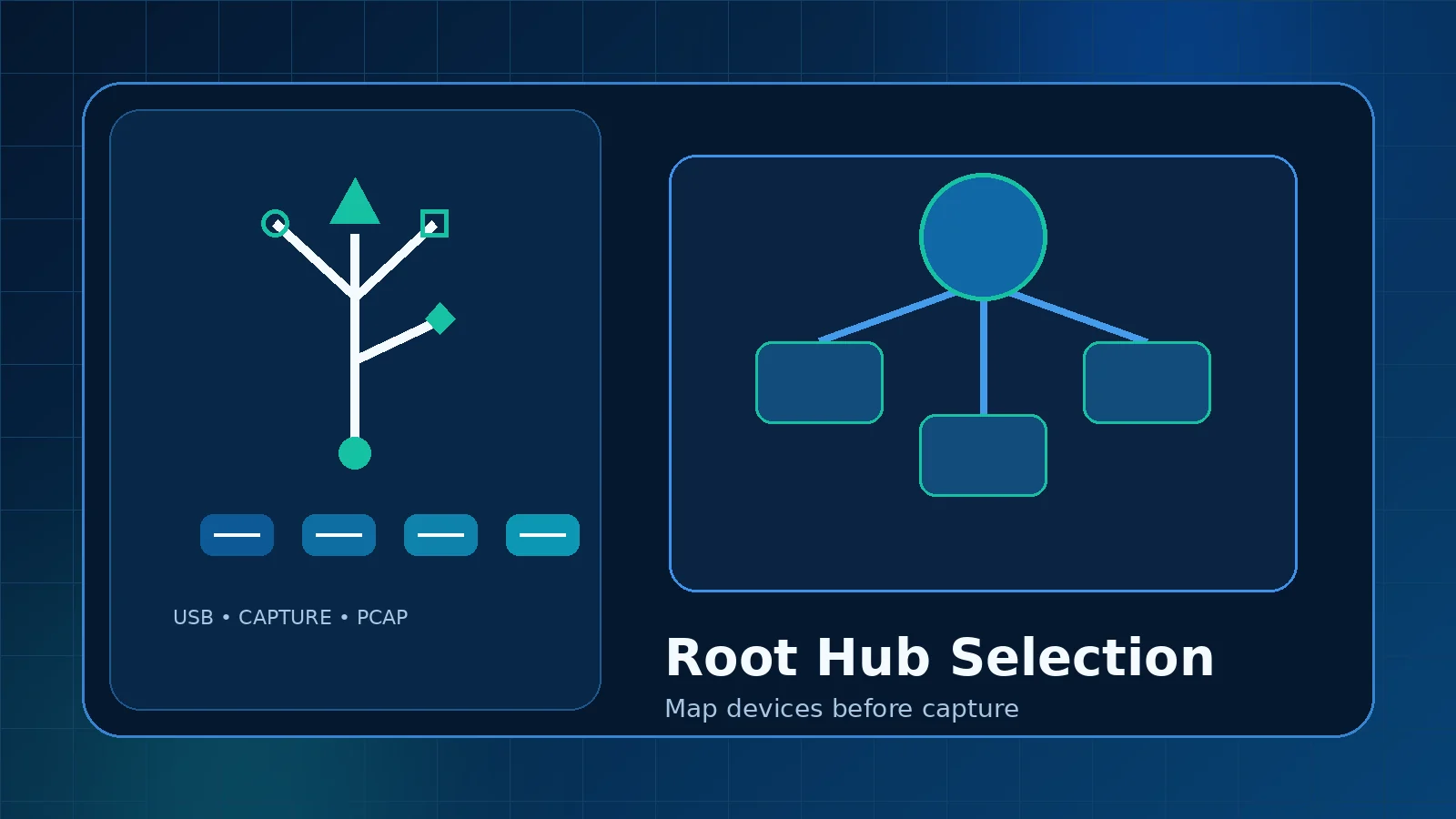
USBPcap does not normally begin with a simple list of friendly device names. It exposes capture interfaces associated with USB root hubs, and each hub can contain ports, hubs, and several connected devices. Selecting the correct source is the foundation of a useful capture.
What a root hub represents
A USB root hub is the top of a branch controlled by a host controller. External hubs and individual devices appear below it. A computer can contain multiple root hubs for different controller generations, chipsets, or groups of ports.
Map a physical port
- Open the USBPcap device listing or Wireshark capture interface details.
- Note the current devices under each root hub.
- Disconnect the target test device.
- Refresh the listing and identify the branch that changed.
- Reconnect the device to the same port and confirm it returns beneath that hub.
Handle external hubs carefully
An external hub groups several devices under one branch. Capturing that root hub may record traffic from every active device on the branch. Disconnect unrelated devices or use a dedicated test hub when possible.
Device addresses are temporary
A USB address is assigned during enumeration and can change after reconnecting. Friendly descriptions, vendor and product identifiers, physical port path, and timing together provide a better identification method than a single device address.
Build a repeatable lab map
- Label physical USB ports.
- Record controller and root-hub names.
- Use one dedicated port for the target device.
- Avoid moving hubs during a test series.
- Capture a short enumeration sequence as a baseline.
Reduce unrelated traffic
Before capture, remove nonessential devices from the selected branch and close applications that poll USB hardware. After capture, filter by device address and endpoint only after you have confirmed that those values belong to the correct session.
Why mapping fixes many problems
Wrong-hub selection explains empty captures, unexpected keyboard or storage traffic, and files that contain activity from a different device. Spending two minutes on mapping usually saves much more time during analysis.