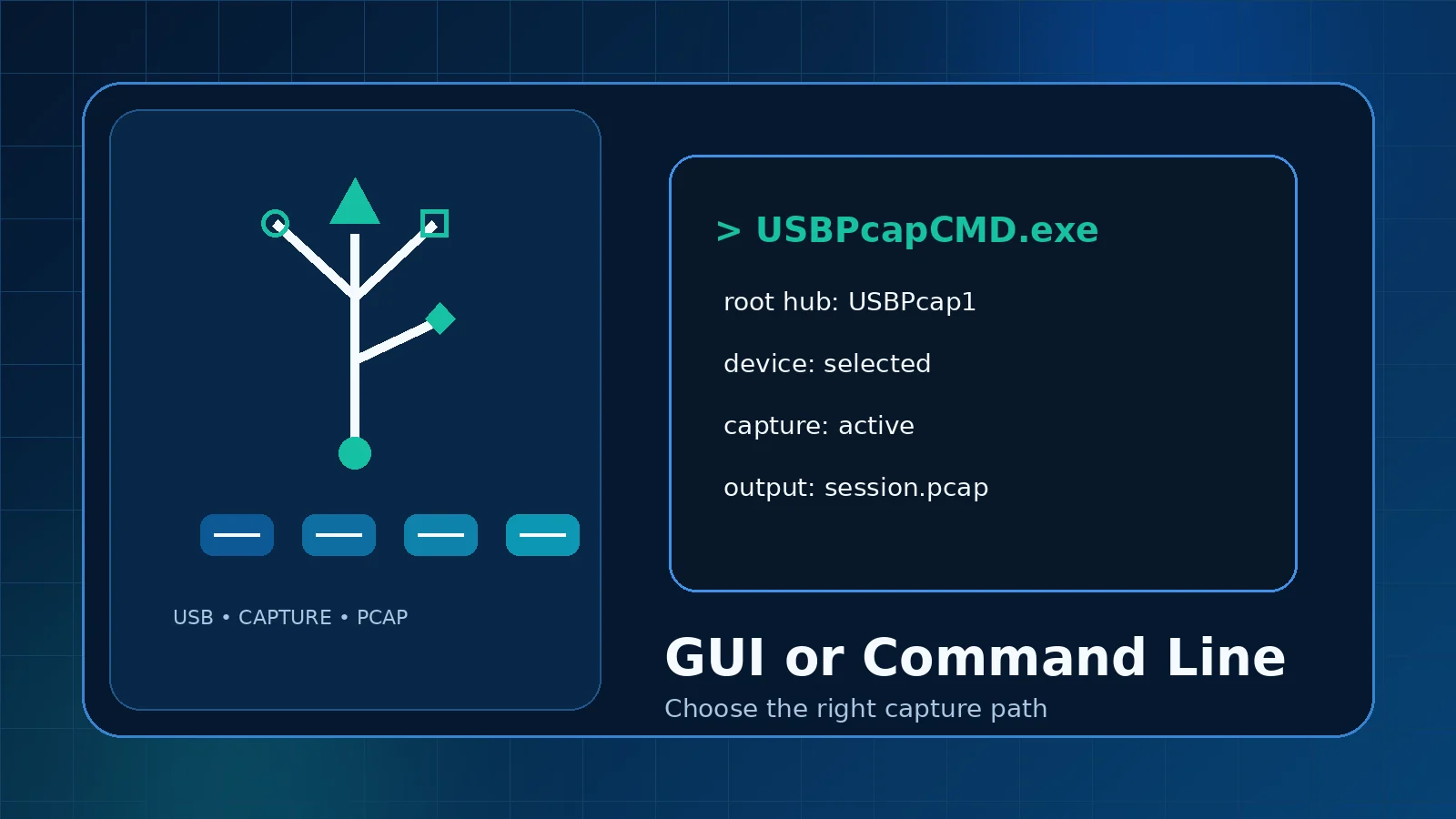
People often search for a USBPcap GUI because USB capture is easier to understand when devices and interfaces are visible. USBPcap itself provides the capture layer and a command-line utility; Wireshark commonly supplies the graphical workflow through its external capture integration.
What counts as the USBPcap GUI?
There is no separate full-featured analysis application in the project repository. The graphical experience normally comes from Wireshark, where USBPcap interfaces can appear alongside other capture sources. Wireshark also opens and dissects the resulting capture file.
When the GUI is the better choice
- You are locating a device for the first time.
- You want to inspect interfaces before starting.
- You need immediate visual confirmation that packets are arriving.
- You plan to apply display filters and inspect fields interactively.
- You are teaching or documenting a manual process.
When USBPcapCMD is useful
The command-line tool can support repeatable diagnostics, scripted lab steps, and captures where the output name and interface are predetermined. It also makes the selected root-hub filter explicit in a test record.
Tradeoffs
Wireshark interface
The visual path reduces typing errors and combines capture with analysis. However, a busy capture list can still make it easy to choose the wrong hub, and GUI options can change between Wireshark versions.
USBPcapCMD
The command line is compact and automatable, but a wrong device path or output option can create an empty or misleading capture. Command examples found online may target older USBPcap versions, so check the tool's current help output.
A sensible combined workflow
- Use the GUI to map the device and verify that the interface produces traffic.
- Save a short baseline capture.
- Move to USBPcapCMD only when you need a repeatable process.
- Open each command-line result in Wireshark for analysis.
Choose based on the diagnostic goal
For a single investigation, the Wireshark GUI is usually clearer. For a controlled test bench or repeated reproduction, USBPcapCMD may be more efficient. Neither method removes the need to choose the correct hub and protect captured data.